On this page
- Business Manager, business portfolio, verified BM: the terms
- What verification actually unlocks
- BM1, BM5, BM unlimited: what sellers mean
- Two ways to get a verified Business Manager
- 1. Verify your own Business Manager
- 2. Buy a Business Manager that is already verified
- Keeping a verified BM healthy
- Frequently asked questions
- Is a verified BM the same as a blue verified badge?
- How long does Meta take to verify a Business Manager?
- Can a verified Business Manager still be restricted?
- Do I need a verified BM to run Facebook ads?
- Which route is right for you
A verified Business Manager is a Meta Business Manager (now called a business portfolio in Meta Business Suite) whose owner has passed Meta's business verification: Meta has checked the legal business name, address, phone number and website against official documents and confirmed that a real, registered organisation stands behind the account. Verification does not change how your ads look, but it changes how much Meta trusts the account behind them, and that trust shows up in ad account limits, spending room, WhatsApp messaging limits and access to features that unverified businesses cannot use. This guide explains what a verified BM is, what it does and does not unlock, the labels sellers use, and the two ways to get one.
Key takeaways
- A verified BM is a Business Manager whose business details Meta has checked against official documents.
- Verification raises Meta's trust in the account; it does not make the account immune to policy enforcement.
- Labels such as BM1, BM5 and unlimited describe ad account limits and spending room, not separate products from Meta.
- You can verify your own Business Manager, usually in two to fourteen days, or buy one that is already verified.
- Whichever route you take, check verification status, ad account limits and recovery access yourself before relying on it.
Business Manager, business portfolio, verified BM: the terms
Meta has renamed its tools several times, so the same thing appears under different names. Business Manager (often shortened to BM) is the container that owns your ad accounts, Pages, pixels, catalogs and WhatsApp accounts, and controls which people and partners can use them. Inside Meta Business Suite it is now called a business portfolio. Advertisers and sellers still say BM, and so do we.
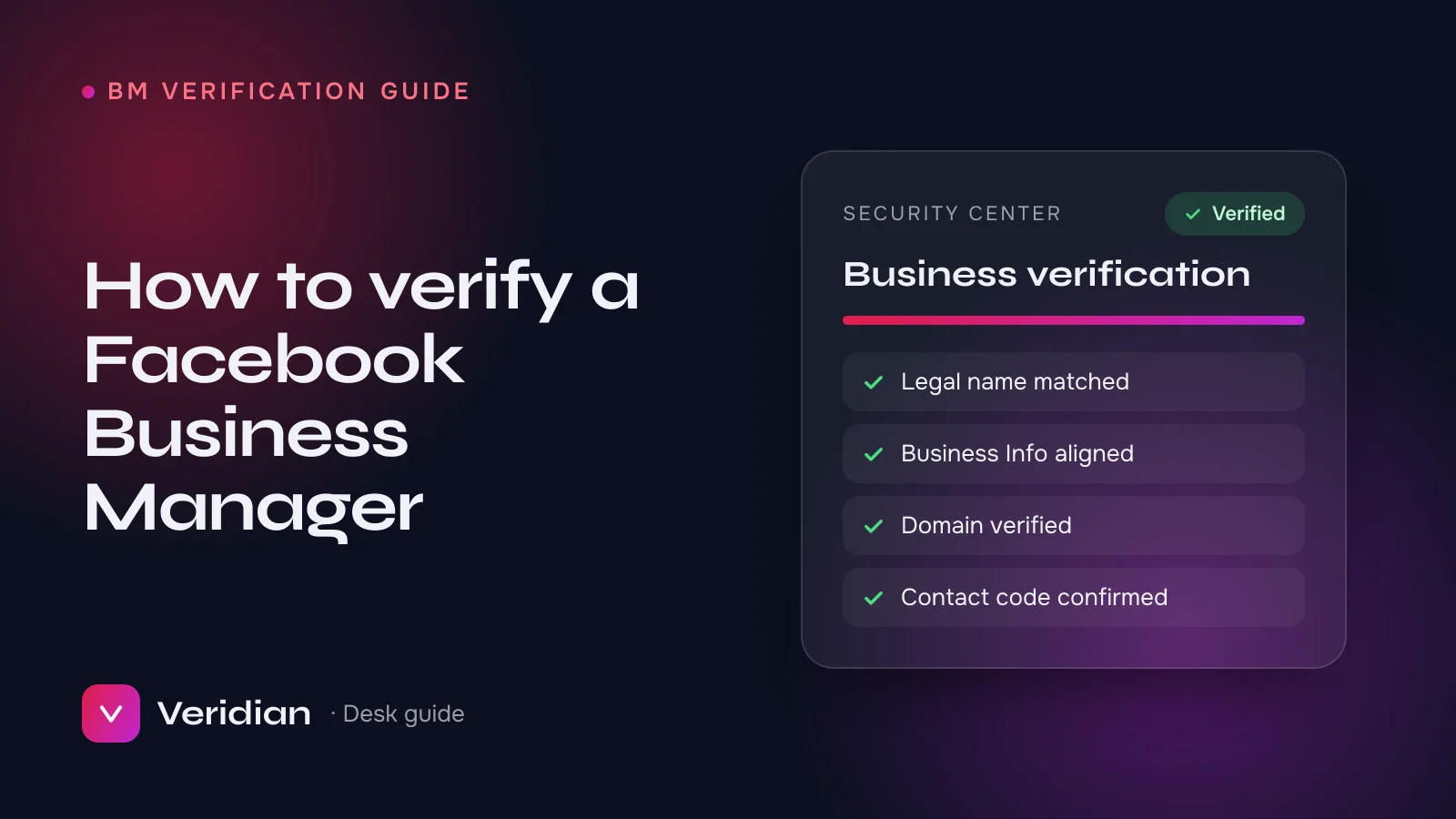
A verified Business Manager, or verified BM, is one where Security Center shows business verification as complete. That status belongs to the business portfolio, not to a person, which is why a verified BM keeps its status when people are added or removed.
What verification actually unlocks
Meta does not publish a single list of "verified-only" benefits, and limits are adjusted case by case. In day-to-day work, these are the differences the desk sees most consistently between verified and unverified Business Managers:
- More room for ad accounts. New, unverified businesses can usually create very few ad accounts. Verification, together with a history of paid invoices, is what lets Meta raise that ceiling.
- Faster growth in spending limits. Daily spending limits on new ad accounts grow with trust. A verified business with clean billing tends to be allowed to scale faster.
- WhatsApp Business API. Verification is part of how a business moves beyond starter messaging limits on the WhatsApp Business Platform and gets its display name approved. Our WhatsApp API vs WhatsApp Business app guide covers the details.
- App review and advanced permissions. Developers who need advanced access to Meta's APIs are asked to complete business verification first.
- Fewer surprise checks. Meta can still review any account at any time, but a verified business is one less unknown when it does.
What verification does not do is just as important. It does not protect an account that breaks the Meta Advertising Standards, it does not fix weak tracking or poor creative, and it does not transfer to a new Business Manager if you start again.
BM1, BM5, BM unlimited: what sellers mean
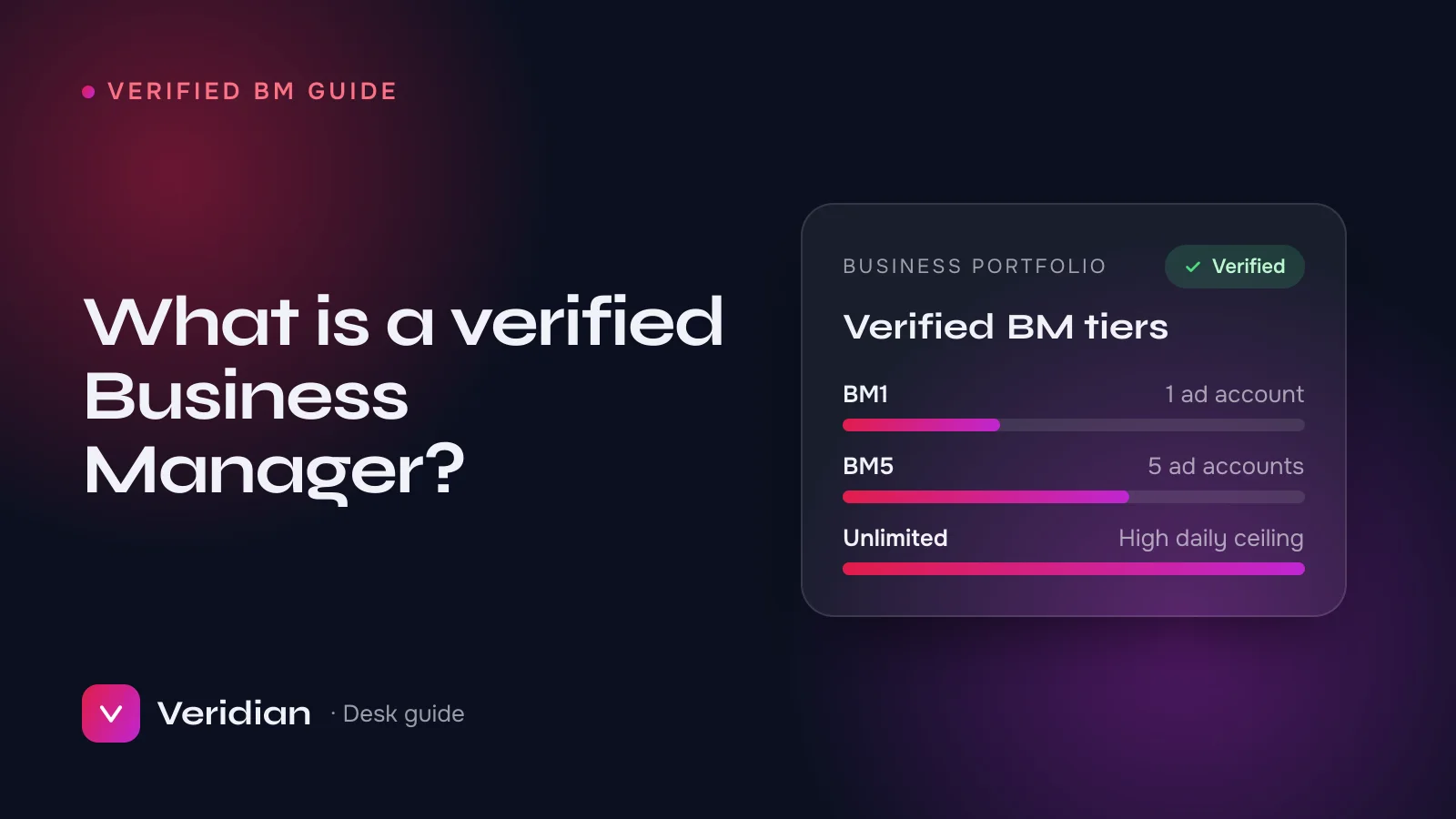
If you shop for a verified BM you will see labels that Meta itself never uses. They are marketplace shorthand, and the meaning varies a little between sellers, so always ask:
| Label | Usually means | Typical buyer |
|---|---|---|
| BM1 | The Business Manager can create one ad account, or one is included | A single brand or a first test |
| BM5 | Room for up to five ad accounts | Small agencies and multi-brand advertisers |
| BM50 / BM250 | Ad accounts with a $50 or $250 daily spending limit (a spend label, not an ad account count) | Testing budgets, steady mid-size spend |
| BM unlimited / high limit | A high or uncapped daily spending limit on the ad accounts, or a high ad account ceiling | Teams that need to scale budgets quickly |
| Verified BM | Business verification is complete in Security Center | Anyone who needs WhatsApp API, app review or more stable scaling |
On Veridian every listing states the verification status, the number of ad account slots and the daily spending ceiling in plain words, so you do not have to decode the label. You can compare them on the verified Business Managers page.
Two ways to get a verified Business Manager
1. Verify your own Business Manager
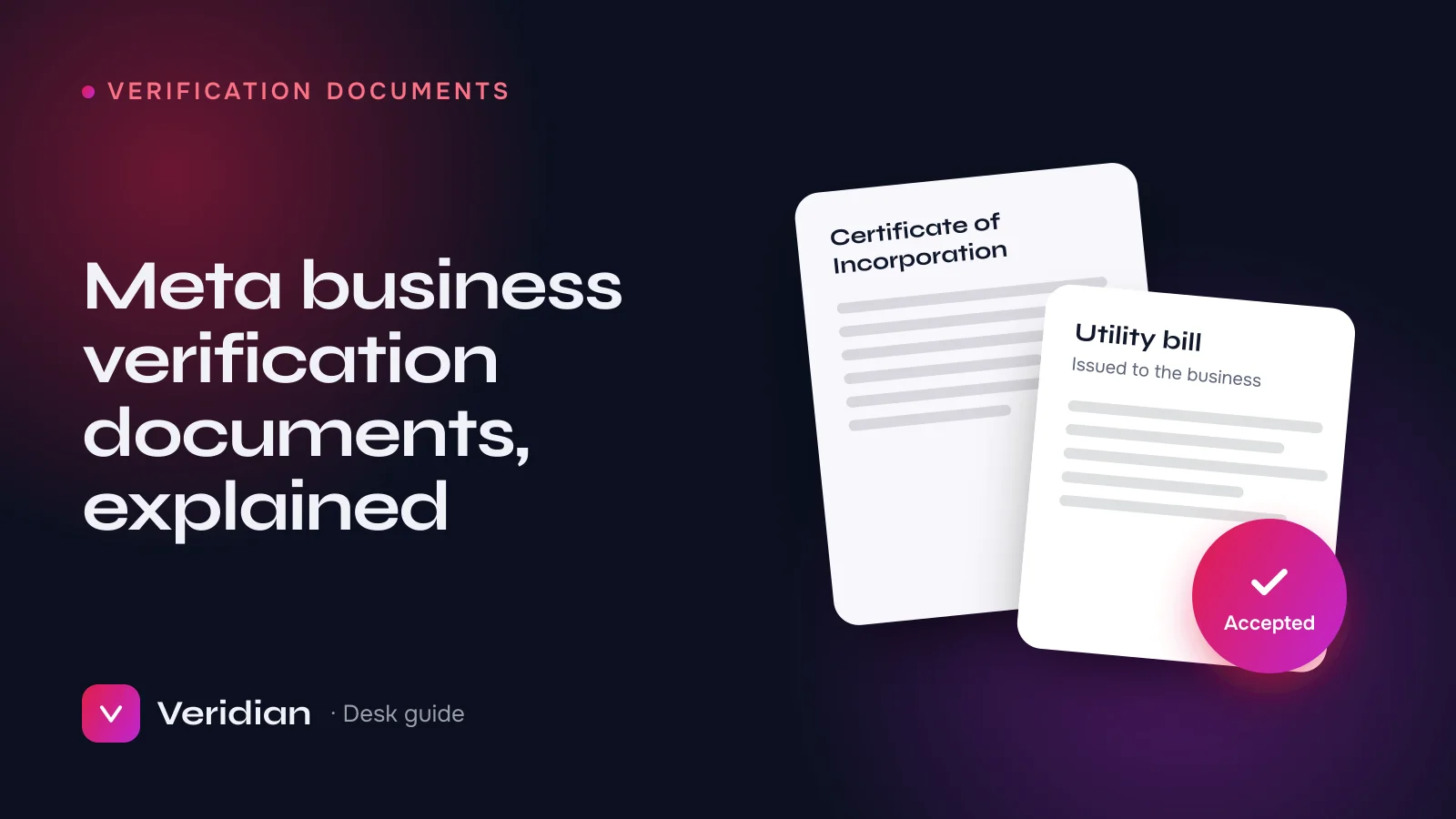
If you have a registered business, verifying your own BM is free and keeps the whole history in your name. You need a legal-name document (such as a certificate of incorporation or business licence), a proof of address, a website on your own domain and a phone number or email that can receive Meta's confirmation code. The full process is in our step-by-step verification guide, and the documents Meta accepts are covered in Meta business verification documents. Meta's own reference is the Meta Business Help Center.
The usual obstacle is not the documents themselves but mismatches: a missing "Ltd" in Business Info, an address that differs from the utility bill, or a domain that has not been verified. If you would rather not risk a decline and a two-week wait, our Facebook Business Manager Verified Service prepares and submits the file inside your own BM.
2. Buy a Business Manager that is already verified
When a campaign cannot wait for Meta's review, or your business documents are not ready, some advertisers buy a BM that has already passed verification. That is where the seller matters most, because a verified status on a screenshot proves very little. Before you rely on a purchased verified BM, check:
- Verification in Security Center, seen live during hand-over, not as an image.
- Ad account slots and spending limits in Billing and ad account settings, matching what was advertised.
- Restriction history: no unresolved restrictions in Account Quality.
- Clean ownership transfer: you are added as full admin and previous admins are removed, with recovery email and two-factor authentication under your control.
- Written replacement terms: what happens if the BM is restricted shortly after hand-over through no fault of yours. Ours are set out on the replacement cover page.
Keeping a verified BM healthy
Most early problems with a new or newly acquired Business Manager come from what happens in the first days, not from the BM itself. A few habits make a large difference:
- Log in from a consistent device and connection, and turn on two-factor authentication for every admin.
- Add a payment method in the business's name and let the first invoices settle before raising budgets sharply.
- Start with compliant, low-risk campaigns and increase spend gradually; sudden jumps from a new account invite review.
- Keep Business Info, your domain and your Pages consistent with the business that was verified.
Our first 48 hours setup guide turns these into a checklist you can follow on day one.
Frequently asked questions
Is a verified BM the same as a blue verified badge?
No. Business verification is a check on the business behind a Business Manager. The blue verified badge on Facebook, Instagram or WhatsApp is a separate status that Meta grants to profiles and accounts, and no seller can promise it.
How long does Meta take to verify a Business Manager?
Usually between two and fourteen days after submission, longer if Meta asks for more information. Preparation, done properly, takes a day or two.
Can a verified Business Manager still be restricted?
Yes. Verification lowers uncertainty but does not override Meta's advertising policies or integrity checks. That is why replacement terms and careful setup matter as much as the verified status.
Do I need a verified BM to run Facebook ads?
Not strictly. Unverified businesses can advertise, but within tighter limits. Verification matters once you need several ad accounts, faster budget growth, the WhatsApp Business API or advanced API access.
Which route is right for you
If you have a registered business and a few weeks, verify your own Business Manager: it is free and the history stays yours. If you need to launch now, need several ad accounts on day one, or your documents are not in order, a verified BM from a seller who shows you the status live and puts replacement terms in writing is the practical option. Either way, talk to a broker and we will tell you plainly which one fits your case.
Notes from the brokers who source, inspect and hand over every asset on the ledger, and who prepare Meta business verifications, WhatsApp API launches and ad accounts for clients every week.