On this page
- How a reviewer reads your file
- Documents that prove the legal name
- Documents that prove address or phone
- Pairing documents: worked examples
- Six mistakes behind most declined requests
- Country differences and translations
- A pre-submission checklist
- Which documents fit which kind of business
- Limited companies and corporations
- Sole traders and freelancers
- Partnerships
- Non-profits and charities
- What happens after you upload
- If you don't have the right document yet
- Frequently asked questions
- Can I use a document in my personal name?
- Does Meta accept digital or e-statements?
- What if my registration certificate has no address?
- Next steps
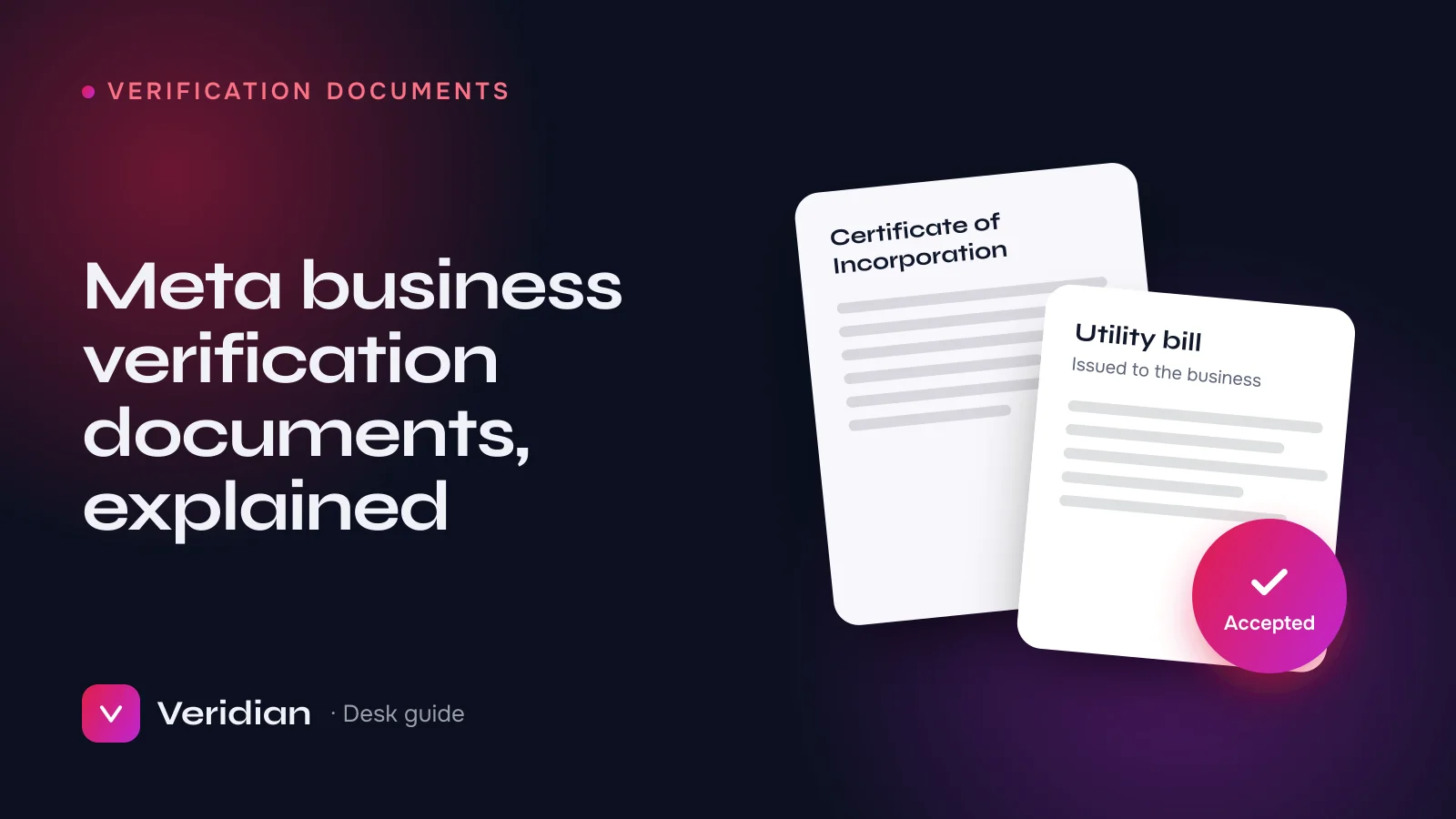
Meta business verification needs documents that prove two things: your business's legal name, and its address or phone number. A certificate of incorporation, business registration or tax certificate usually proves the name; a recent utility bill, bank statement or tax letter in the business's name usually proves the address. Every document must be issued to the same legal name you entered in Business Info. This guide explains which documents work, how to pair them, and why otherwise genuine businesses get declined.
Key takeaways
- Think in pairs: one document for the legal name, one for the address or phone, unless a single document shows both.
- Meta's in-flow list for your country always overrides generic lists, including this one.
- Documents in an owner's personal name do not prove anything about the business.
- Recent, complete, unedited scans pass; screenshots, crops and old bills do not.
How a reviewer reads your file
It helps to picture the review itself. A reviewer has your Business Info on one side and your documents on the other. They are asking two questions: does this document prove the legal name entered here? and does this document prove the address or phone entered here? When both answers are a clear yes, verification is usually straightforward. When the reviewer has to guess, the request is declined, often with only a short reason. Your job is to remove every reason to guess.
Documents that prove the legal name
- Certificate of incorporation or formation: the strongest single document for companies.
- Business registration certificate or trade licence: common for partnerships and sole traders.
- Articles or memorandum of association: accepted in some countries, usually alongside another document.
- Tax or VAT registration certificate: often shows both the legal name and the registered address.
Documents that prove address or phone
- Utility bill (electricity, water, gas, landline or internet) issued to the business.
- Bank statement for a business account, showing the business name and address.
- Tax letter or official correspondence addressed to the business.
- Phone bill in the business's name, when you are proving the phone number.
Bills and statements are expected to be recent. As a rule of thumb, use the newest one you have; anything several months old invites a decline.
Pairing documents: worked examples
| Situation | Legal-name document | Address document |
|---|---|---|
| Limited company with its own office | Certificate of incorporation | Business electricity or internet bill |
| Company using a registered agent's address | Certificate of incorporation | Tax registration showing the registered address |
| Sole trader with a trade licence | Trade licence in the trading name | Business bank statement in the same name |
| Business with a VAT certificate showing name and address | The VAT certificate may cover both; add a second document if Meta asks | |
The principle behind every row is the same: start from the legal-name document, because it is the hardest thing to change. Set Business Info to match it exactly, then choose an address document issued to that same name at that same address.
Six mistakes behind most declined requests
- Name mismatch. The certificate says "Pvt Ltd" and Business Info does not, or the brand name is entered instead of the legal name.
- Address mismatch. A different unit number, a missing district, an abbreviation, or an address the business has since moved from.
- Out-of-date proof. An old bill or statement, or a registration that has lapsed.
- Personal documents. A bill in the owner's own name proves nothing about the company.
- Poor scans. Cropped edges, glare, screenshots, or photos of a screen.
- Edited documents. Any alteration is grounds for refusal and can put the account at risk. Never edit a document; obtain a correct one instead.
Country differences and translations
Accepted documents differ by country, because registration systems differ. Meta lists accepted documents for your country inside the verification flow and in the Meta Business Help Center. Documents in languages Meta does not support may need a certified translation. A business registered in one country and run from another can still be verified, provided each document belongs to the business and matches Business Info.
A pre-submission checklist
- Legal name in Business Info copied exactly from the registration document.
- Address copied exactly from the address document.
- Both documents issued to the business, not to an individual.
- Both documents current and complete, scanned flat, full page.
- Website on your domain, showing the business name, and the domain verified.
- A contact route you can receive a code on today.
Which documents fit which kind of business
The right pair depends on how your business is set up. These are the combinations we see accepted most often, but always defer to the list Meta shows for your country.
Limited companies and corporations
The certificate of incorporation is the anchor document because it shows the exact legal name and registration number. Pair it with a business utility bill or a business bank statement. If your company uses a registered agent or formation agent's address, use a tax registration or official letter showing that registered address, and enter the same address in Business Info.
Sole traders and freelancers
Sole traders usually verify with a trade licence, business registration or tax registration in the trading name, plus a bill or bank statement in that same trading name. The difficulty is that many sole traders run everything in their personal name. If no document shows the trading name, register the trading name or open a business account first; verification with only personal documents rarely succeeds.
Partnerships
A partnership registration or deed shows the legal name; pair it with a utility bill or bank statement issued to the partnership, not to an individual partner.
Non-profits and charities
Registration certificates from the relevant charity or non-profit regulator normally prove the legal name, alongside a bill or statement in the organisation's name.
What happens after you upload
Once submitted, a reviewer compares each document against Business Info. If something is unclear, Meta may ask for an additional document rather than declining outright, so watch Security Center and your notifications during the review. Respond with exactly what is requested, issued to the same legal name. If Meta declines, the status explains which part failed, and you can correct the file and submit again.
If you don't have the right document yet
A missing document is a common reason to pause, and pausing is better than submitting something that is nearly right. Practical ways to obtain one:
- Ask your bank for a letter or statement addressed to the business at its registered address.
- Move a utility or internet account into the business's name at your premises.
- Register for tax or VAT where your business is eligible; the certificate often shows both name and address.
- Update your registration if the business has moved, so the registered address matches where you operate.
From the desk: when a client's documents genuinely cannot support verification yet, we say so plainly and suggest a verified Business Manager from stock for the meantime, rather than submitting a weak file that sets the account back.
Frequently asked questions
Can I use a document in my personal name?
Not to prove the business's details. Use documents issued to the business itself.
Does Meta accept digital or e-statements?
Often yes, if they are official, complete and show the business name and address. Export the original PDF rather than taking a screenshot.
What if my registration certificate has no address?
Pair it with a separate address document issued to the same legal name, such as a business utility bill or bank statement.
Next steps
For the full process in order, read how to verify a Facebook Business Manager. If you would rather have your file audited line by line before it reaches Meta, our verification service starts with exactly that, and the desk can also supply an already verified Business Manager when time is short.
Notes from the brokers who source, inspect and hand over every asset on the ledger, and who prepare Meta business verifications, WhatsApp API launches and ad accounts for clients every week.